VAT classification — UI Guide
Create products, classify them with auto-assignment, review the result, and get the correct VAT rate for every product in every country.
VAT classification is the eClear module that turns your product master data into correct VAT rates for the whole European Union (plus Switzerland and the United Kingdom). You upload or create products, auto-assignment suggests the right product class in eClear's product taxonomy, you review and approve the result — and from then on you get the correct VAT rate for every product in every country.
This guide walks you through every screen of the application in the order you will use them.
The big picture
Everything in VAT classification revolves around one simple pipeline:
- Create products — one by one (Creating a single product) or hundreds at a time (Bulk upload).
- Auto-assignment — immediately after a product is created, eClear tries to match it to a product class in its product taxonomy, either from a customs code you provided or by a machine-learning model that reads the product name, description and tags.
- Review — you check the suggested product class in the assignment workflow, assign a class manually where needed, and approve the result.
- VAT rates — once products are classified you can download all VAT rates as CSV or retrieve them from the
vat-ratesREST resource.
What are the main tasks?
| I want to… | Go to |
|---|---|
| Log in and find my way around | Logging in & UI basics |
| Understand the dashboard tiles | The Dashboard |
| Create one product manually | Creating a single product |
| Import many products from a file | Bulk upload |
| Search, edit or delete existing products | The Product Catalogue |
| Classify products / review AI suggestions | Assigning a product class |
| Approve, deny or re-open classifications | Approving, denying & reconfirming |
| See who changed a classification and why | Assignment history |
| Get my VAT rates | Getting VAT rates |
| Tune auto-assignment or VAT rate responses | Settings |
Key terms in 30 seconds
- A product is an item from your shop catalogue. It is either local (belongs to exactly one shop) or global (can be linked to none, several or all shops).
- An assignment links a product to a product class — a category in eClear's product taxonomy, an extended version of the official customs taxonomies (EU TARIC, Swiss TARES, UK UKGT). The product class determines the VAT rate in every country.
- Every assignment has a status: Unassigned → Assigned → Approved (with Rejected and Denied as side exits). Only you can move an assignment to Approved — human review is always required.
- Auto-assignment is the process that proposes a product class for each product — from a customs code you provided, or by a machine-learning model trained on product texts.
The full vocabulary is in the Glossary, and the complete status model in the Status reference.
Examples used in this guide
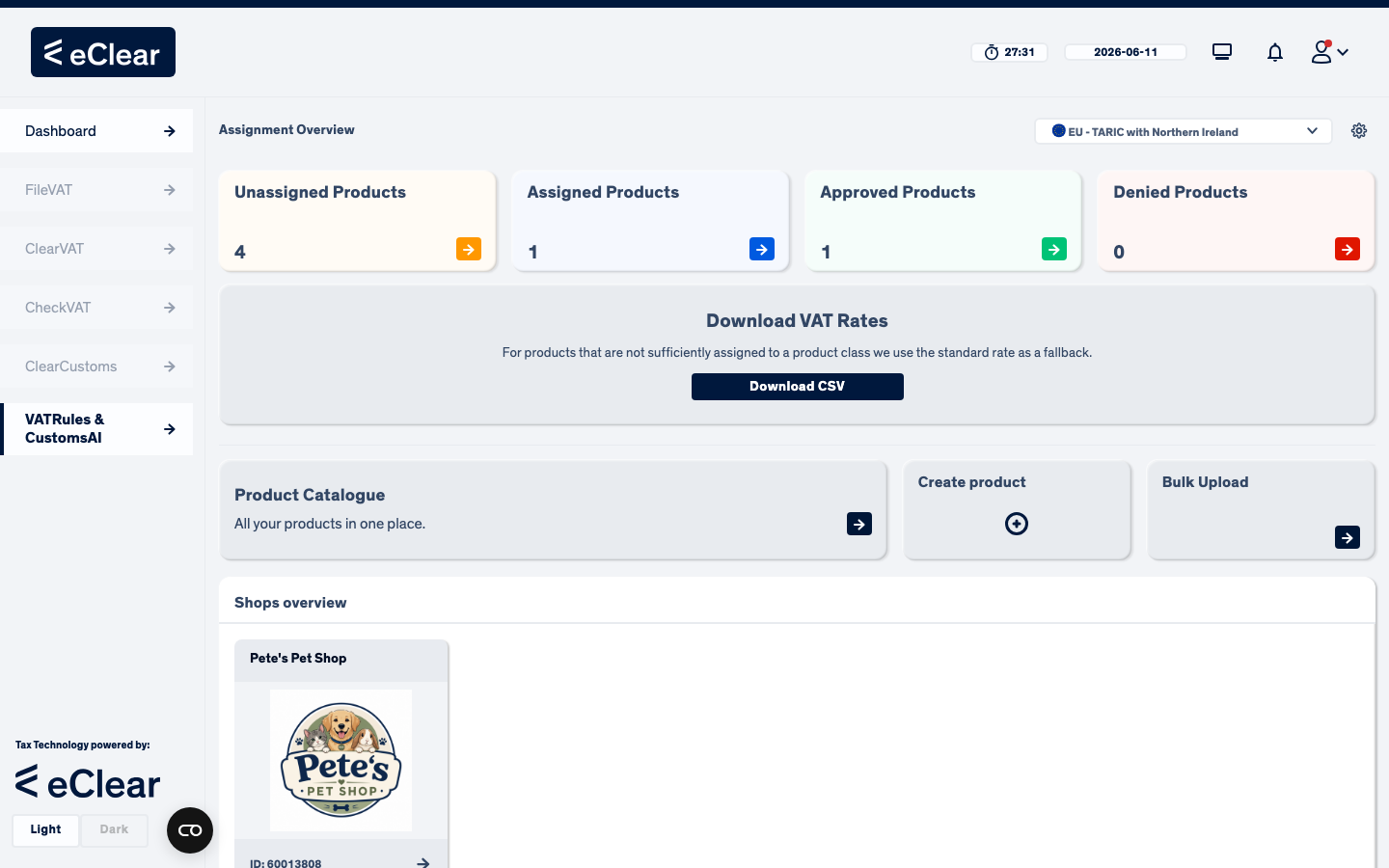
All screenshots show a demo tenant with one shop ("Pete's Pet Shop") and a handful of pet-supply products (dog food, cat scratching post, bird cage…). Your tenant will show your own shops and products.